

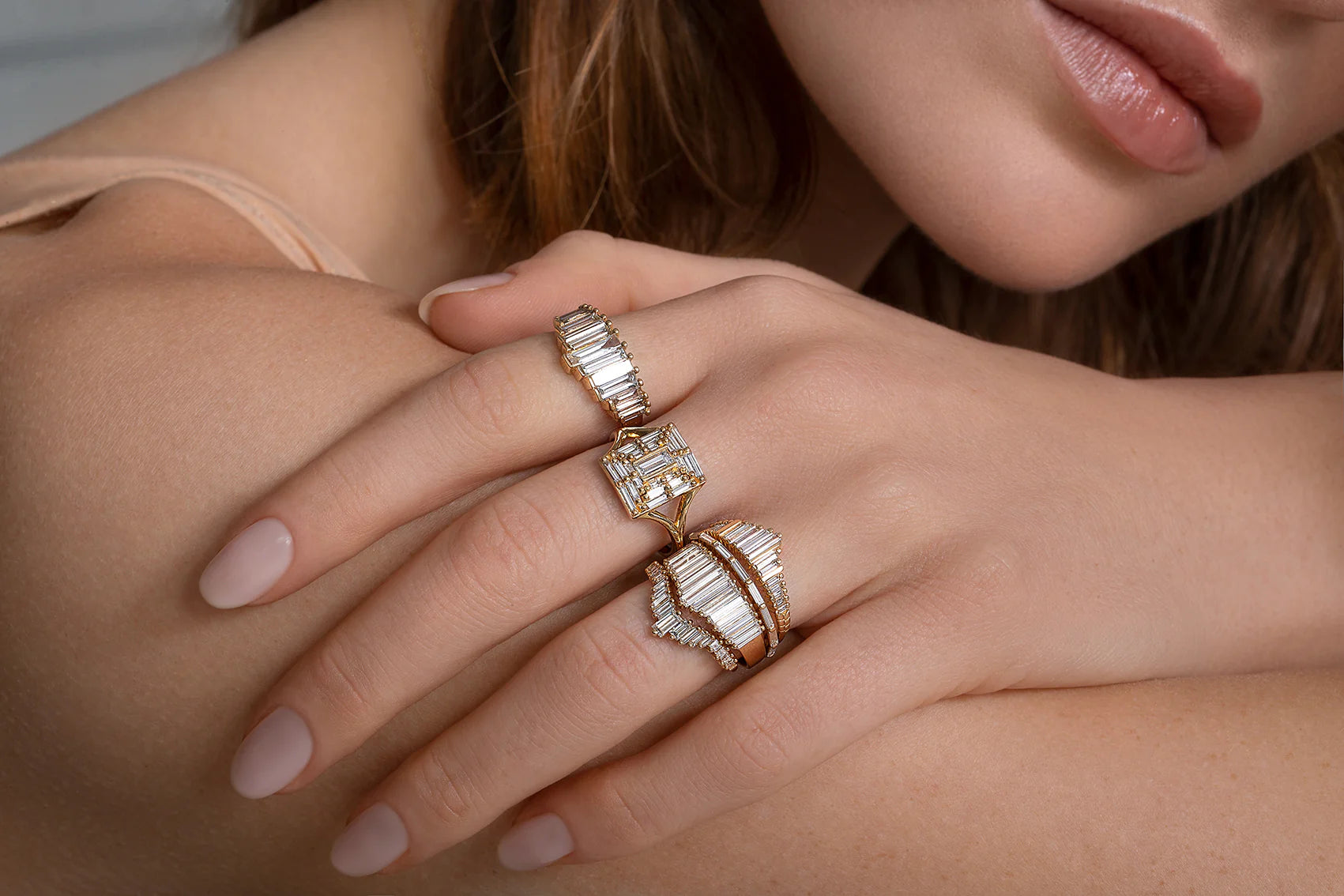
Diamond Shape Guide
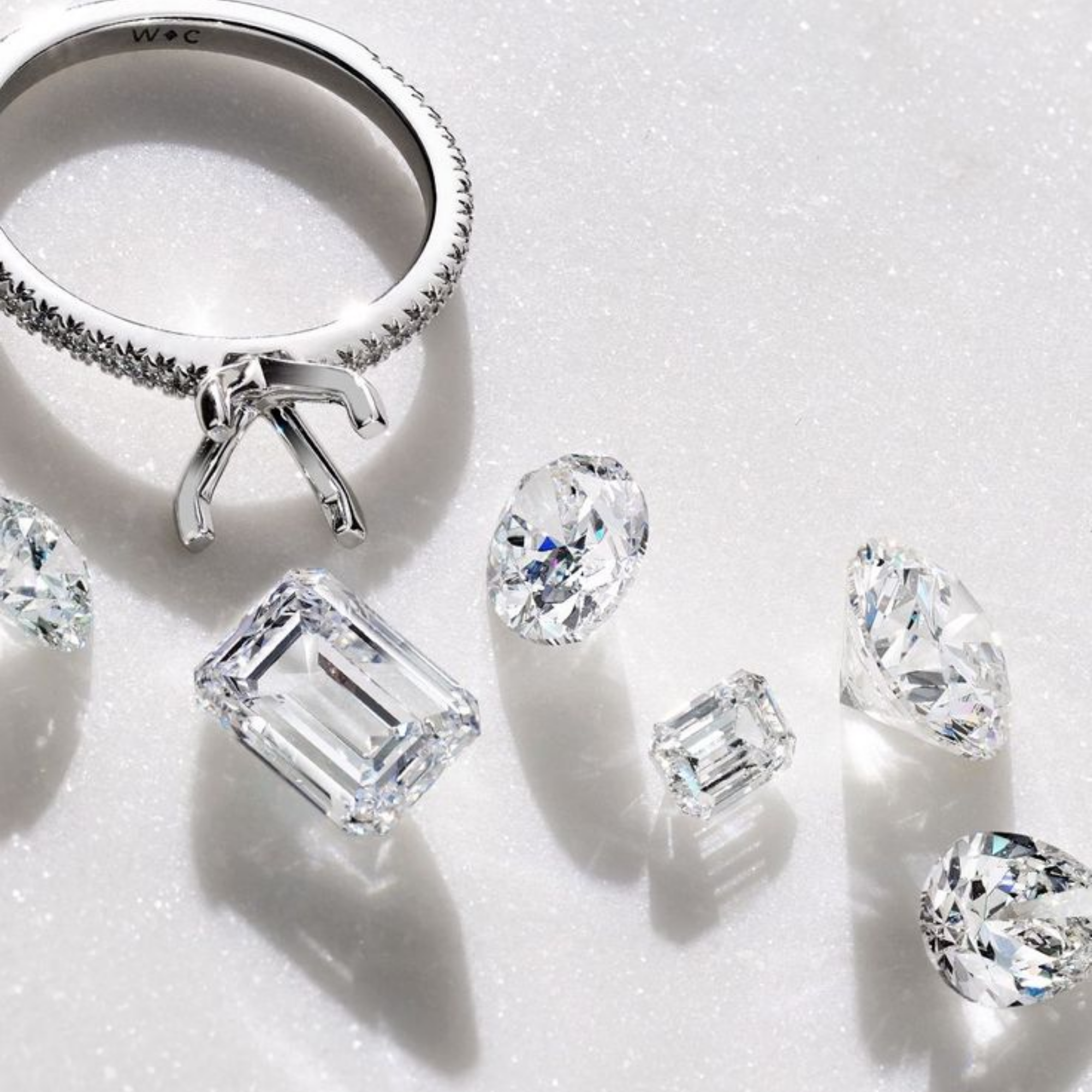
Start with the outline you like on your hand. A round diamond draws the eye to the center, an oval leads it along the finger, and an emerald cut catches the light in broad, quiet flashes.
Six shapes to compare
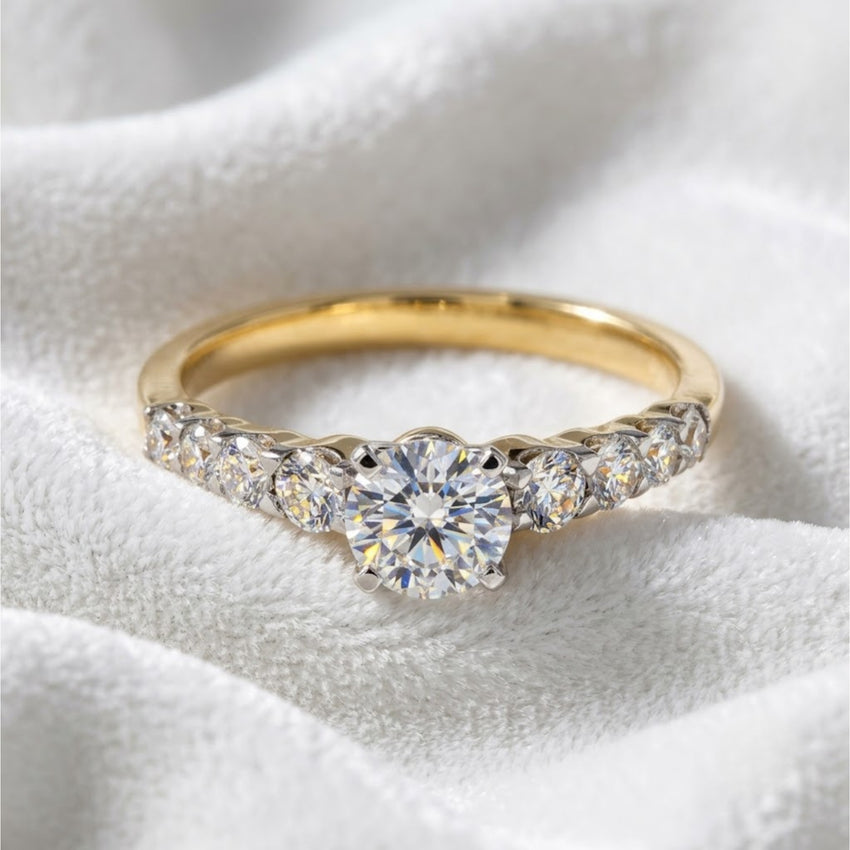
Round
A circular outline with balanced proportions. Compare a low bezel with an open prong setting to see how much of the edge you want to show.
View the round ring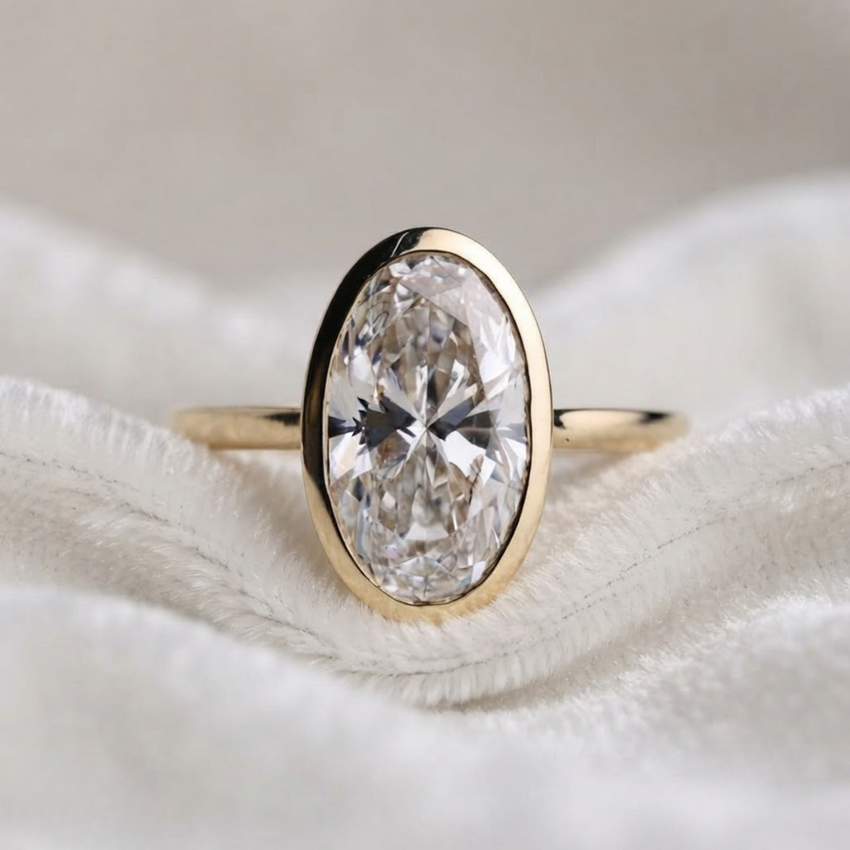
Oval
A continuous curve with no corners. Compare length and width side by side. Two ovals of the same weight can look quite different on the hand.
View the oval ring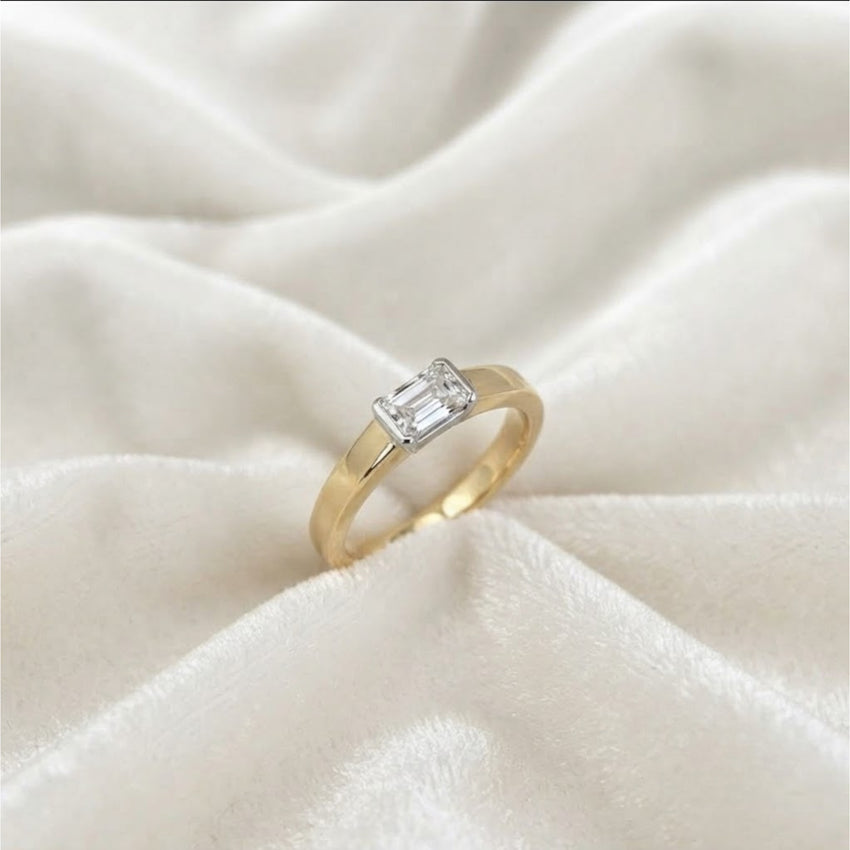
Emerald
A rectangular outline, clipped corners and long step facets. Turn the stone slowly to see its alternating bands of light and dark.
View the emerald ring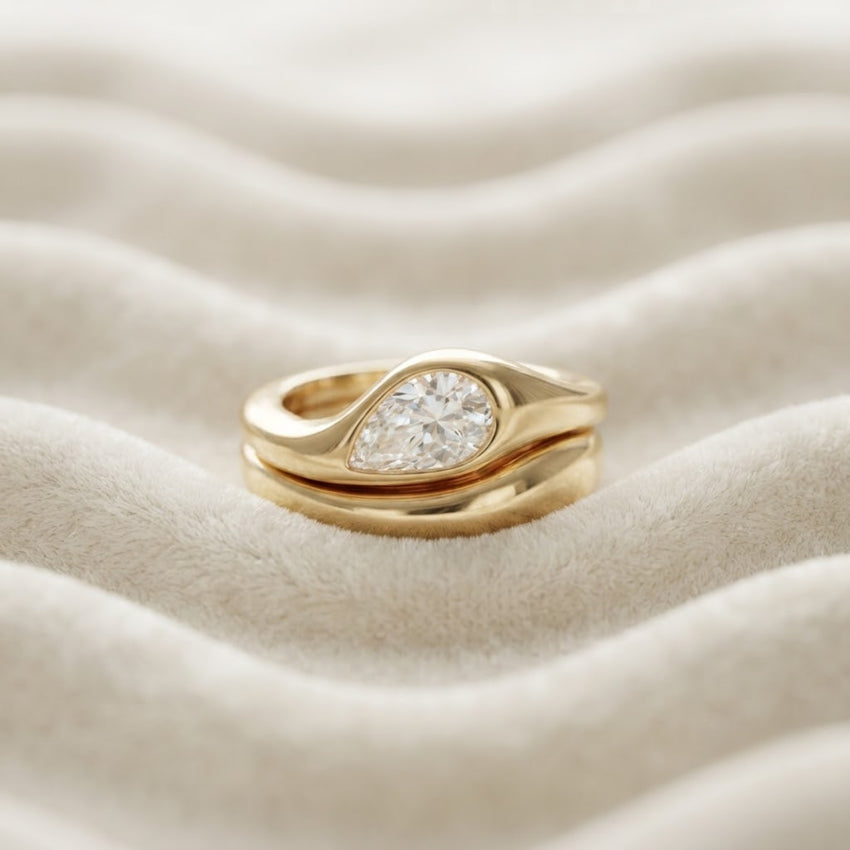
Pear
A rounded end tapering to one point. Try the point toward the fingertip and toward the wrist to find the direction you prefer.
View the pear ring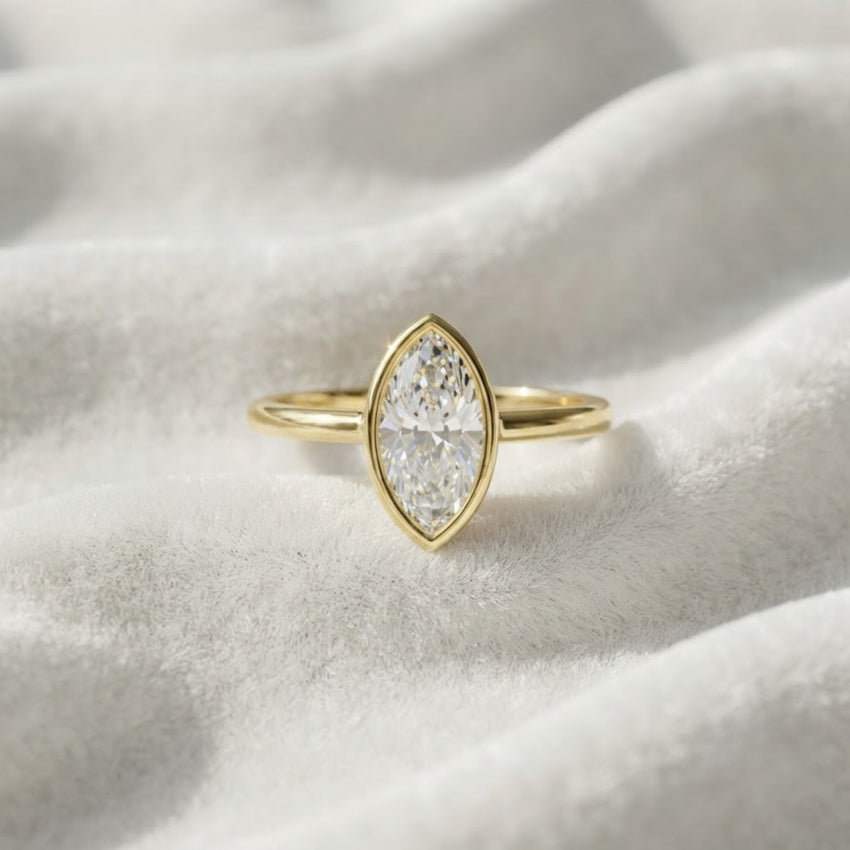
Marquise
Two pointed ends and curved sides. A north–south setting emphasizes length. An east–west setting stretches across the finger.
View the marquise ring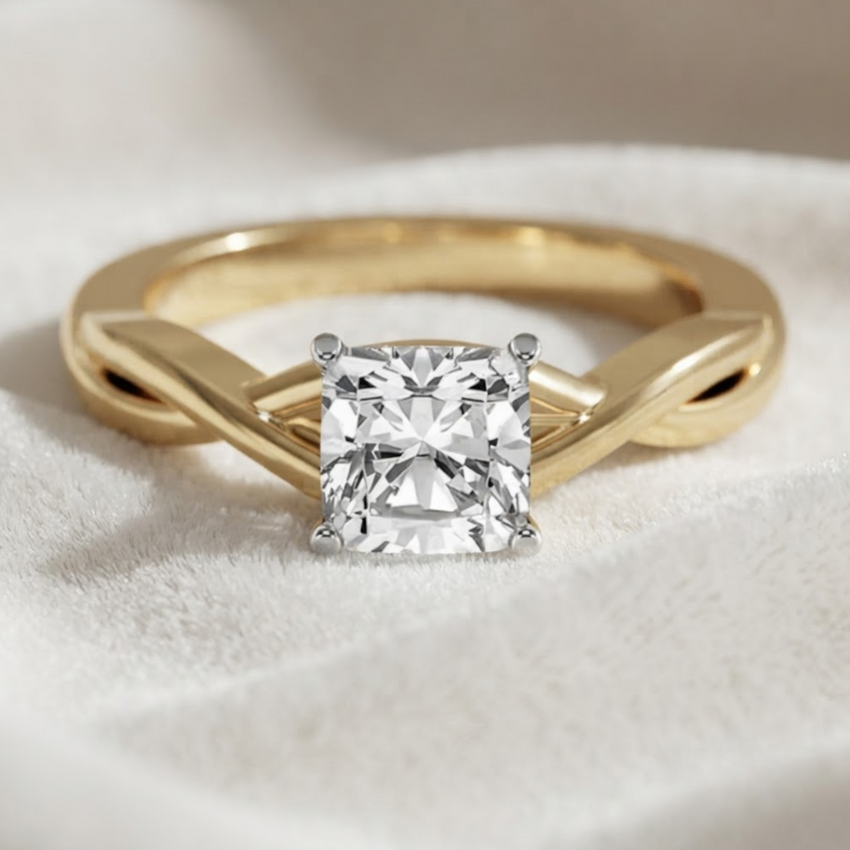
Cushion
Rounded corners soften a square or elongated outline. Ask to see both proportions if you are deciding between a cushion and an oval.
View the cushion ringCompare measurements as well as carats
Carat measures weight. To picture how much of your finger a diamond will cover, ask for its face-up length and width in millimeters. Compare those measurements on the same hand and under the same light.
See it in a setting
Use our ring builder to try a shape and explore its setting. If a diamond comes with an IGI report, use its report number to check the recorded shape and measurements.
Blog posts
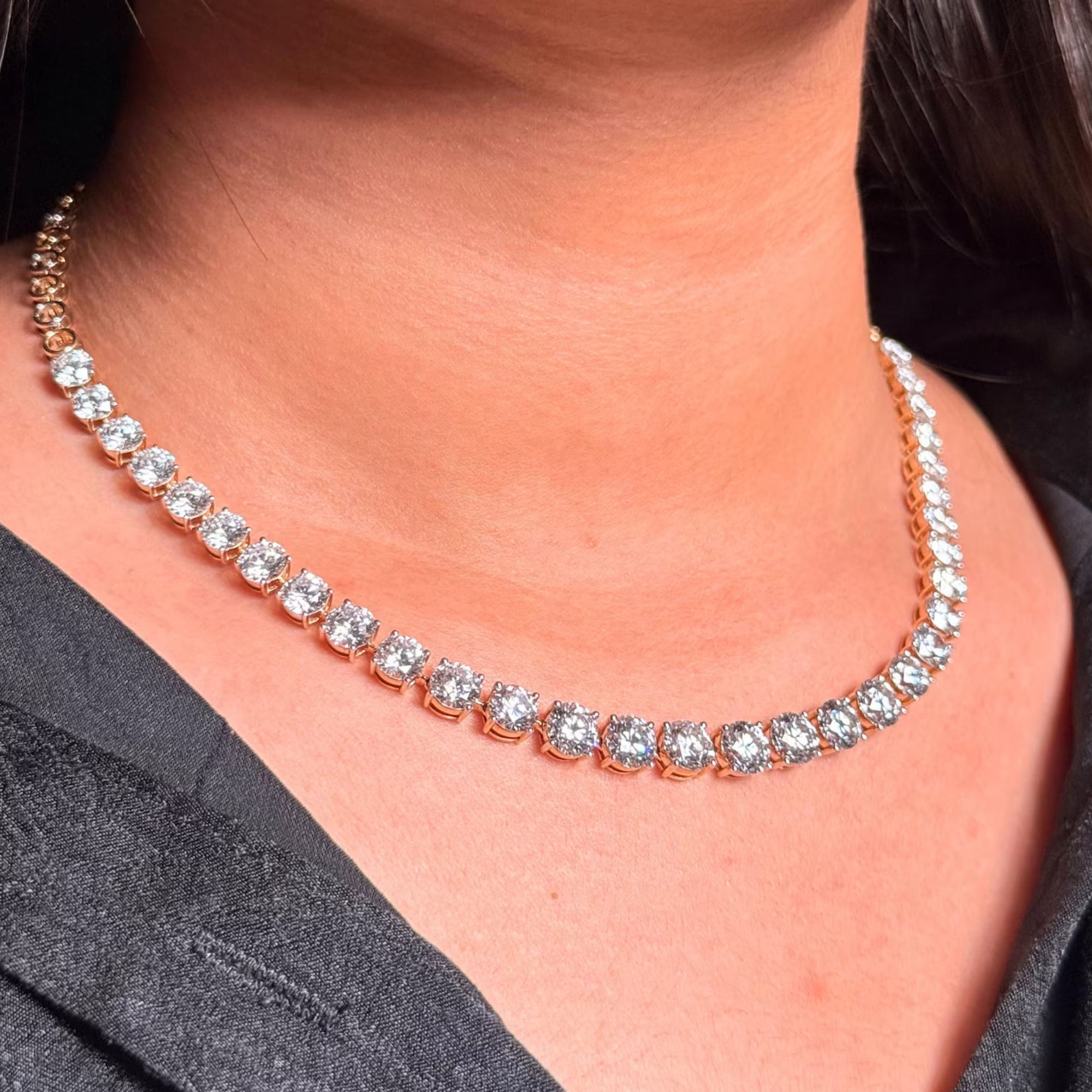
Where Elegance Meets Emotion A diamond necklace is more than just a piece of jewelry it’s a feeling that rests close to the heart. Its brilliance speaks softly, yet powerfully, expressing sophistic...
Introduction You’ve heard of them. You’ve seen them sparkle. But how much do you really know about lab-grown diamonds?Often mistaken as imitations, these gems are, in fact, real diamonds identica...
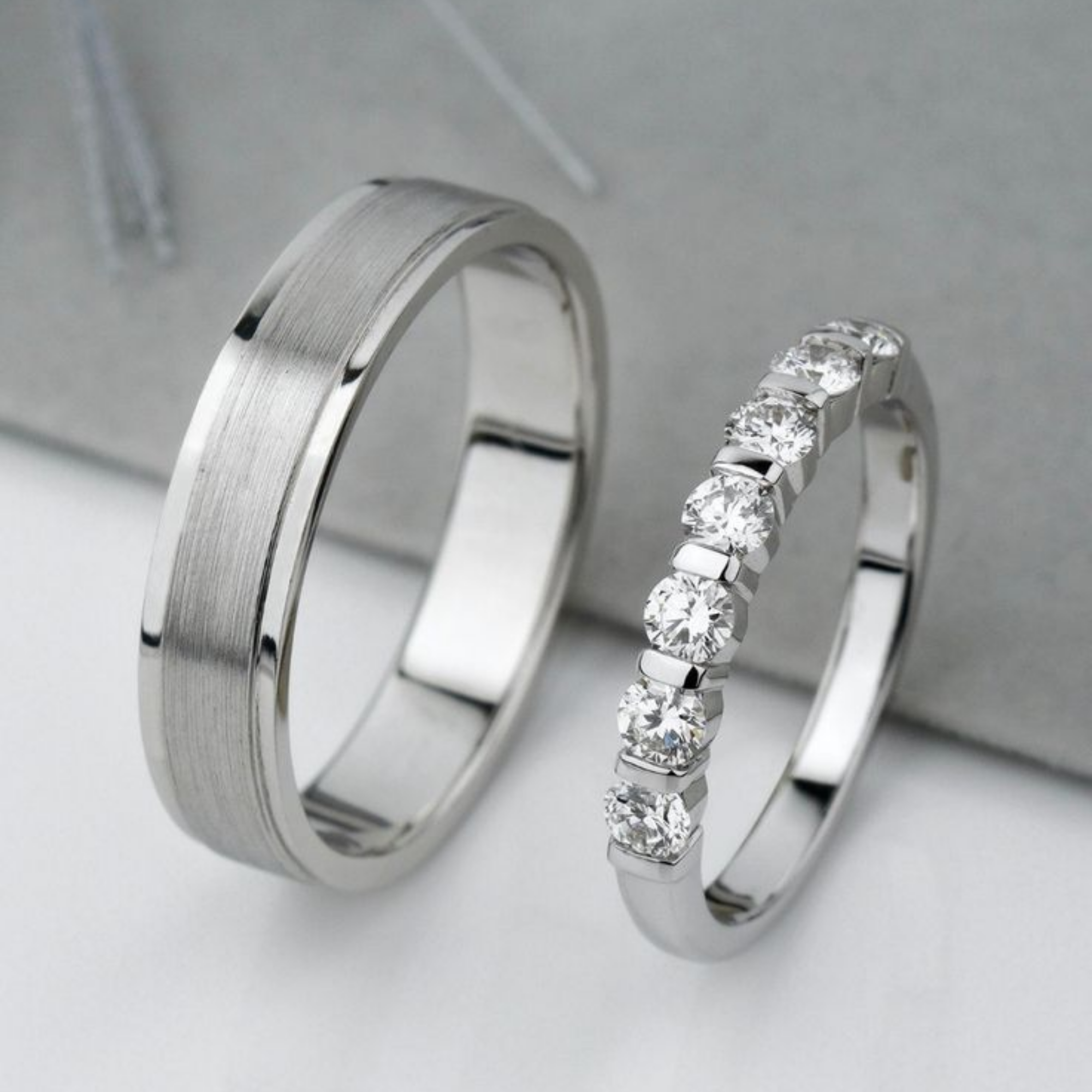
Introduction Love is timeless but the way we express it keeps evolving. In today’s era, His & Hers diamond bands have become more than just wedding rings they’re symbols of unity, equality, and...